Your clock.
Behind
everything.
DepthPix wallpapers are built in layers. The live clock sits inside the picture — behind the mountain, under the wings — so your lock screen looks like a poster, not a photo.
- 4K depth wallpapers
- Live clock and date
- New designs added regularly


Your photo.
Your clock.
Behind you.
Pick any photo from your gallery. DepthPix finds the subject and cuts it out right on your phone, then designs three wallpapers with a live clock tucked behind it.
Set one as it is, or open it in Studio and make it completely yours. Your first 3 photos are free.


Every wallpaper is three layers.
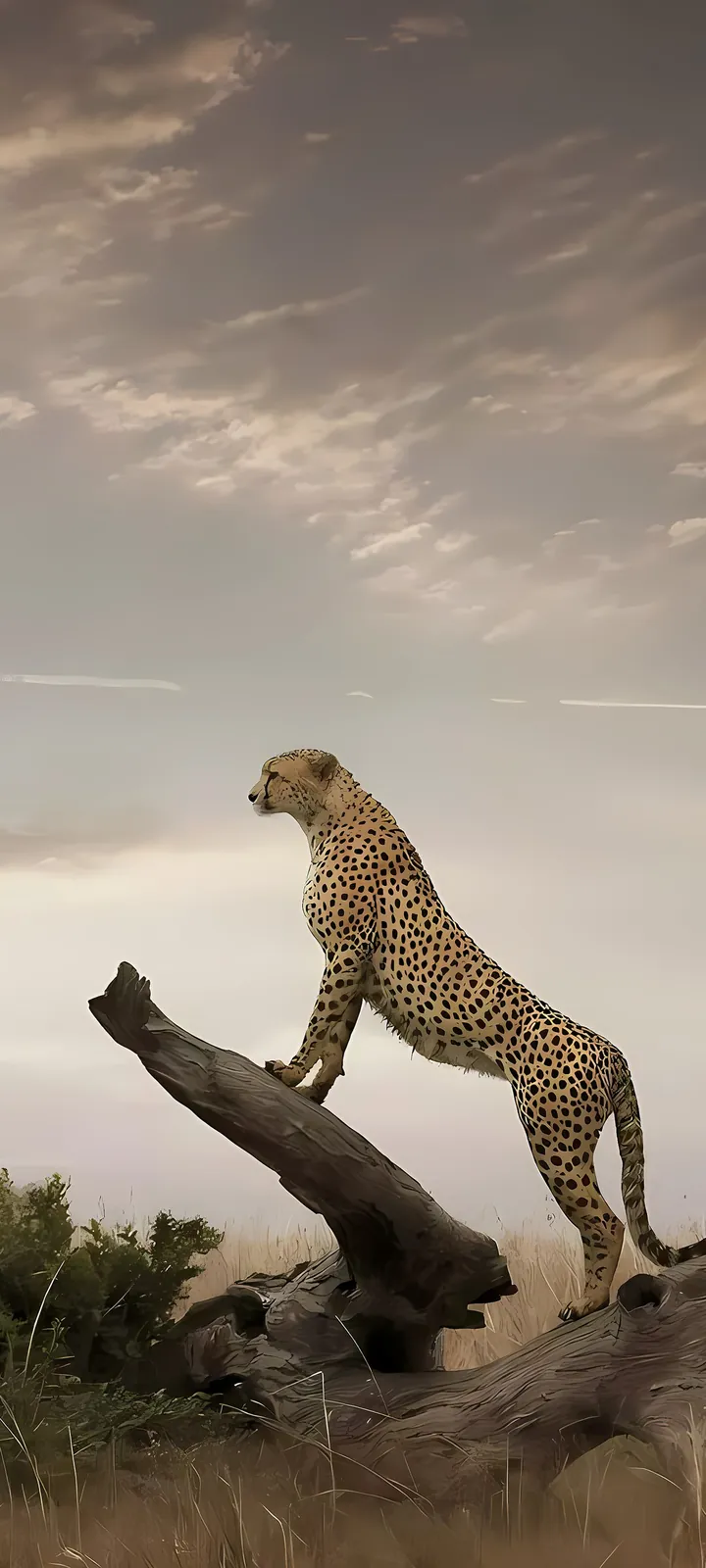
Flat wallpapers put the time on top of the picture. DepthPix slides it in between — so the subject can stand in front of your clock.
- 03The subjectCut out and laid on top, so it covers the clock the way a real object would.
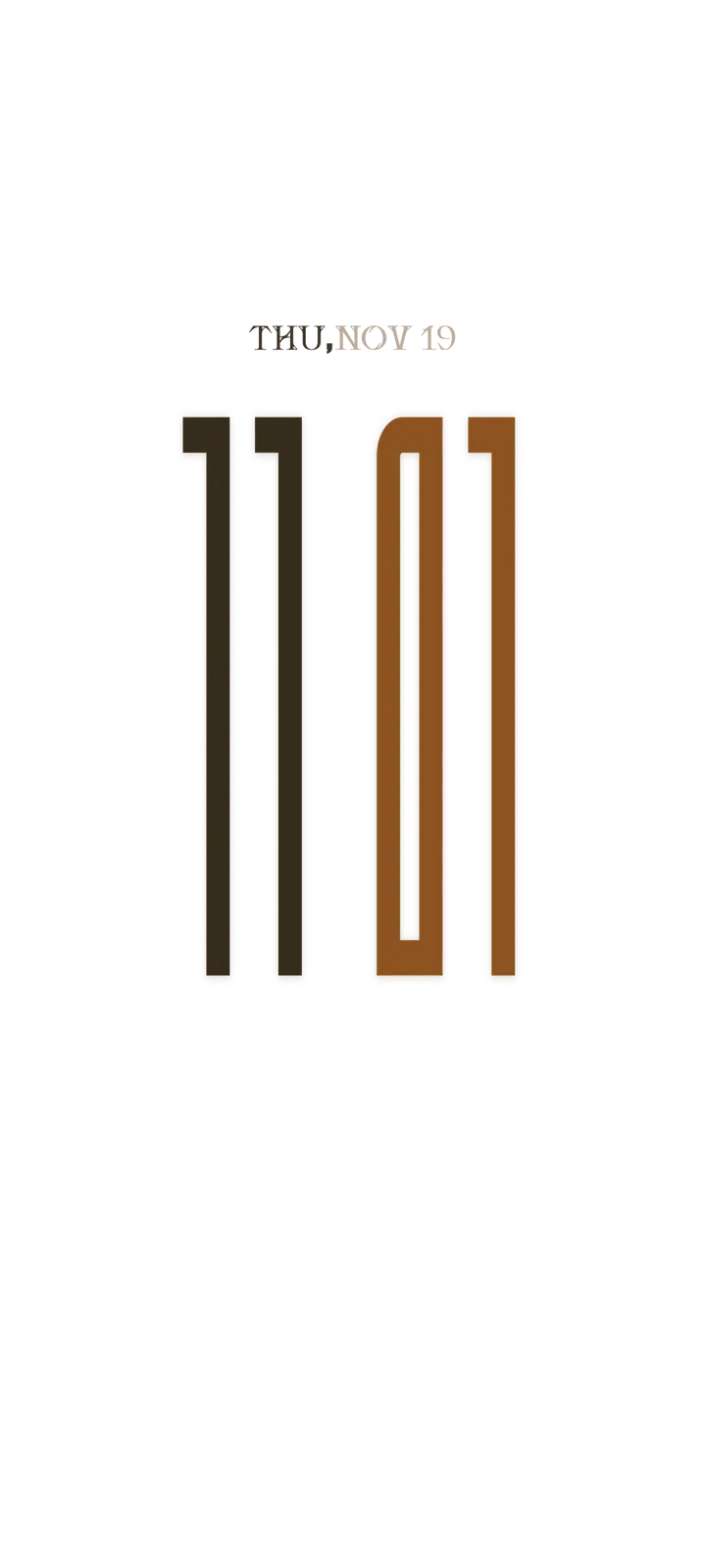
- 02Your live clockThe real time and date, in the font, colour and size you choose.
- 01The sceneA high-resolution background, made for tall phone screens.

Nothing here sits flat.
Neon peaks, deep-sea whales, astronauts, supercars and quiet mountains — sorted into categories, with new designs added regularly. Save favourites and come back to them any time.


Style the clock. Watch it live.
Pick a font, a colour or a gradient preset, set the size, and choose whether the clock hides behind the subject or sits in front. What you see is what you apply.
Weather that falls inside the picture.
Snow, rain and fireflies drift between the clock and the subject — past the numbers, behind the plane. It's part of the scene, not a sticker on top.


Everything your lock screen was missing.
Live clock and date
A real, ticking clock and date drawn into the wallpaper itself — designed to belong to the artwork.
Fonts, colours, size, position
Choose a font, a colour or a gradient, resize it, and move the clock exactly where it looks best.
Create with your photo
Turn any photo into a depth wallpaper, with the clock tucked behind the subject.
3D parallax
The scene, the clock and the subject move at different depths, so the picture feels three-dimensional.
Rain, snow and fireflies
Live particles fall between the clock and the subject, so the weather is part of the scene.
Apply in a few taps
Preview it, tweak it, set it. No complicated setup — your new screen is ready in seconds.
Move beyond flat backgrounds.
Free to download on Google Play. Bring depth, style and a live clock to your screen.